
In the heart of any modern broadcast workstation—whether it’s a high-end vMix production suite in Dhaka or a dedicated playout server—the PCIe card is the unsung hero. It is the bridge between your professional cameras and your software. However, AVMatrix has released three distinct powerhouses: the VC12-4K, the VC41, and the VP30. Choosing the wrong one can bottleneck your production or leave you with hardware that doesn’t support your workflow.
1. The High-Resolution Specialist: AVMatrix VC12-4K
If your goal is to deliver crystal-clear Ultra HD content, the VC12-4K is your primary tool.
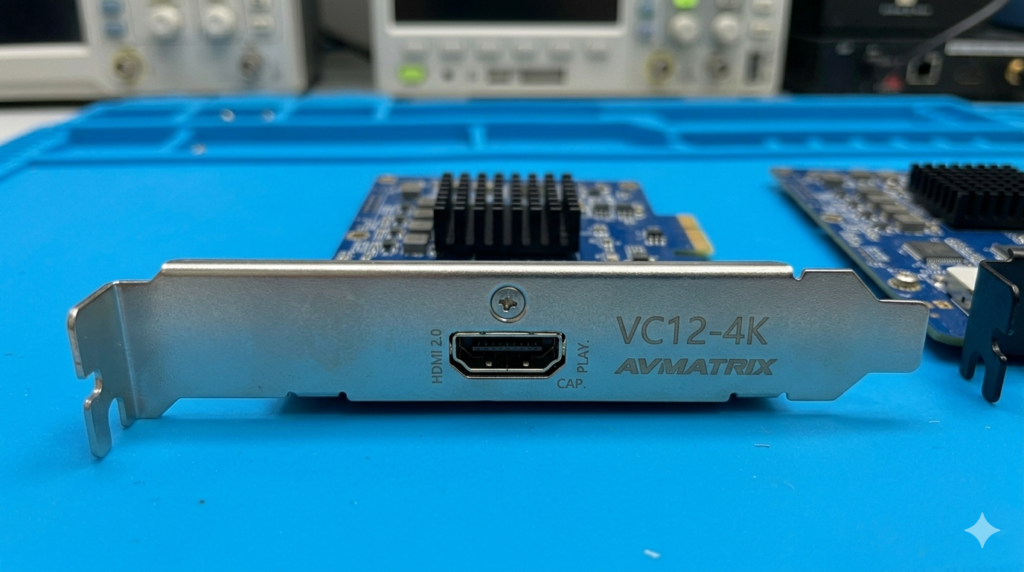
- The Technical Edge: Unlike many cards that claim 4K but only support 30fps, this card handles full 4K60 via HDMI 2.0. This is crucial for smooth motion in sports or high-end documentary work.
- Best For: Content creators and filmmakers who prioritize visual fidelity above all else. It is a single-channel card, meaning you sacrifice quantity (multiple inputs) for extreme quality.
2. The Multi-Camera Workhorse: AVMatrix VC41
For live TV news, talk shows, or sports where you need to manage multiple angles simultaneously, the VC41 is the industry favorite in Bangladesh.
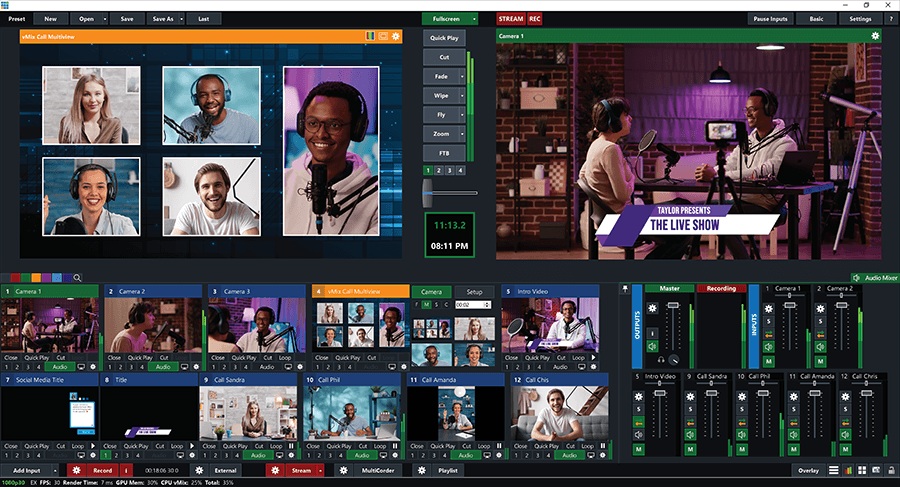
- Four Inputs, One Slot: A single PCIe slot gives you four independent 3G-SDI inputs. This allows you to turn a standard PC into a 4-camera vision mixer for vMix or OBS.
- SDI Reliability: Since it uses SDI, you can run cables for 100 meters without signal loss—perfect for larger studio environments.
3. The Playout Professional: AVMatrix VP30
Most cards are for input, but the VP30 is designed for output.
- Dedicated Playback: This card is engineered to output signals from your PC to professional monitors or transmitters. It features 2 SDI and 1 HDMI output, allowing you to feed a gallery wall and a transmitter simultaneously.
- Hardware Stability: It offloads the processing of video playout from your CPU to the dedicated hardware, ensuring your stream doesn’t “stutter” even if the PC is under heavy load.
The Verdict: Choosing Your Gear
- Choose VC12-4K for cinematic, high-res filmmaking.
- VC41 for multi-camera live talk shows or sports.
- VP30 for Master Control Rooms (MCR) or NRB playout stations.
At ESI Techno, we provide the installation and driver configuration service to ensure these cards work seamlessly with your existing hardware.